ML Protein Design Bootcamp 2025
Self-paced course
Build judgment across modern ML protein design workflows.
This asynchronous edition preserves the Monday–Thursday sequence of the original 2025 workshop. Move from environment setup to structure prediction, backbone generation, docking, and a binder-design capstone—producing evidence at every stage.
Your progress
Evidence checkpoint tracker
Check an item only after its named artifact or decision exists. Progress is saved in this browser; it measures collected evidence, not time spent or model success.
0 / 0 required evidence checkpoints
0 optional checkpoints completed
Imports replace saved progress when the file finishes loading. Later checkbox changes are kept. Updates also appear in your other open course tabs.
Three Ways Through the Course
| Route | Use it when | Before the capstone | Estimated active effort* |
|---|---|---|---|
| Core | You want the shortest coherent learning path | Complete each day’s core “Read + Do + Check” work and evidence checkpoints | 16–24 hours |
| Full bootcamp | You want the breadth of the original workshop | Add all recordings, activities, optional technical deep dives, and relevant installations | 35–55 hours |
| Reference | You already have a workflow or a specific question | Jump by tool, concept, or target; follow the prerequisites named on that page | Variable |
*Downloads, scheduler queues, and GPU runtime are additional. Compare the routes, prerequisites, and compute options in Start Here →
Course Dashboard
 Tool Installation
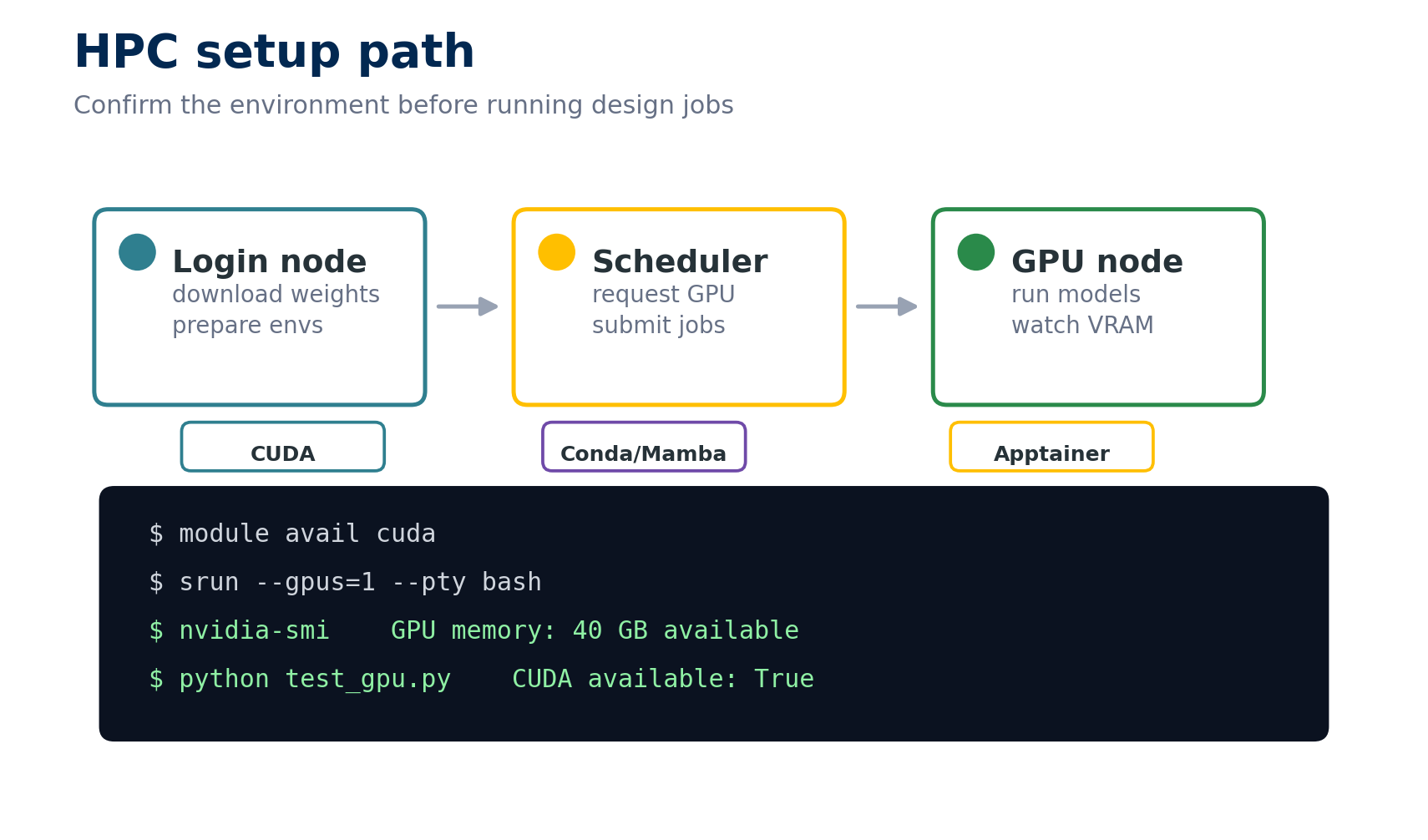
Set up HPC access, CUDA, conda environments, containers, and the core prediction and design tools.
Tool Installation
Set up HPC access, CUDA, conda environments, containers, and the core prediction and design tools.
 Structure Prediction
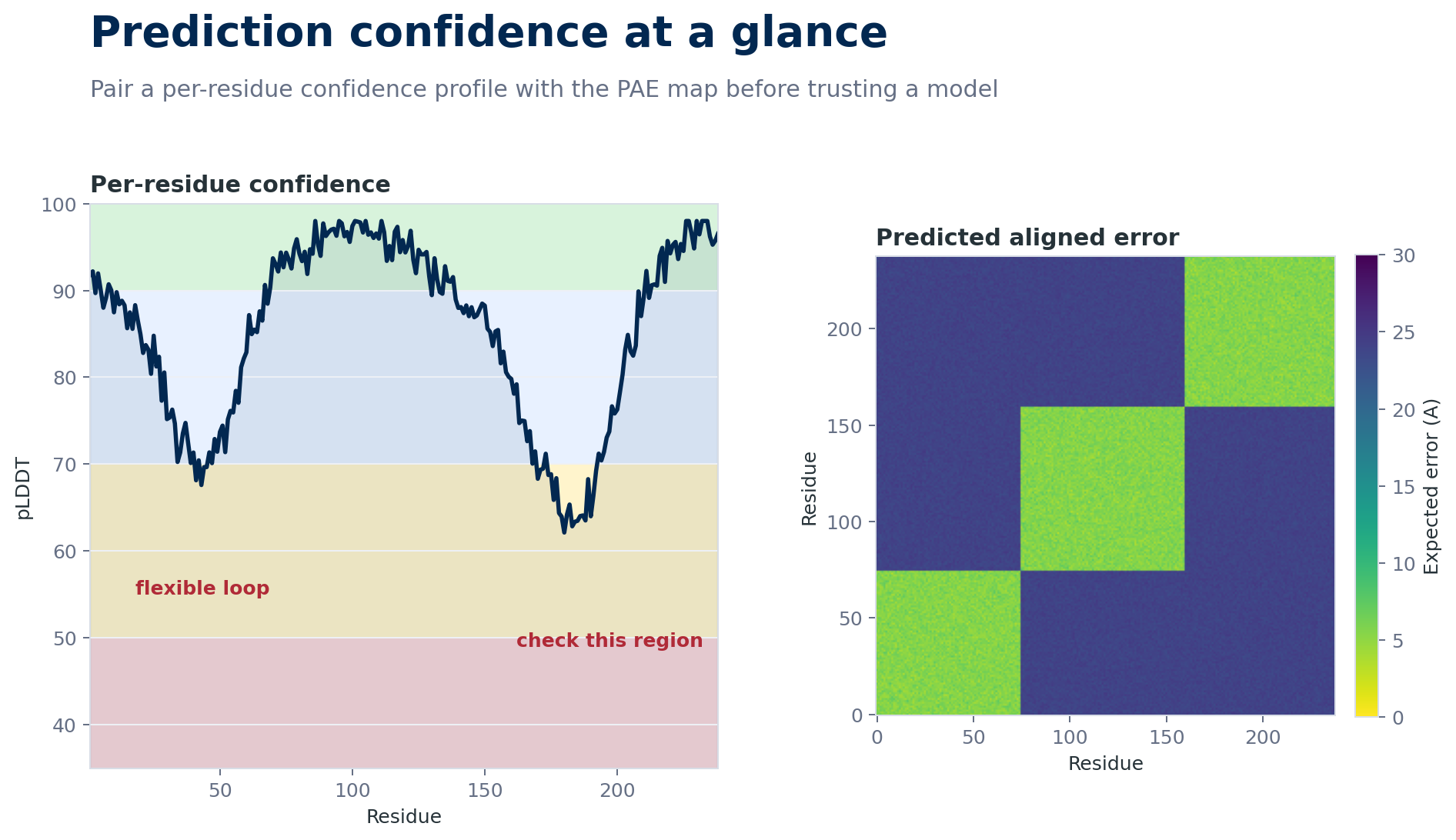
Use PyMOL, AlphaFold2, and ESMFold to predict structures and interpret confidence instead of treating outputs as answers.
Structure Prediction
Use PyMOL, AlphaFold2, and ESMFold to predict structures and interpret confidence instead of treating outputs as answers.
 Advanced Prediction and Design
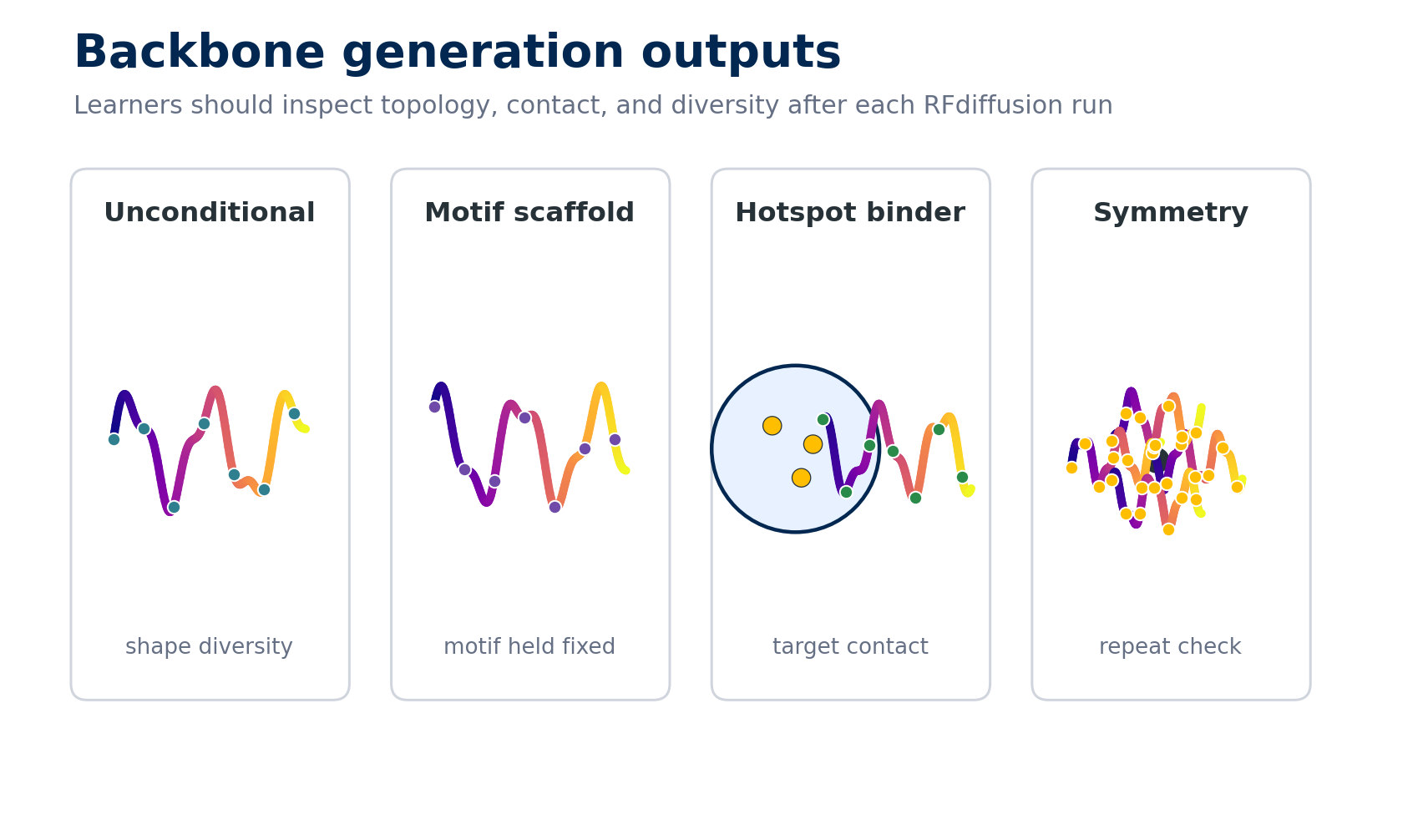
Compare complex prediction tools, then generate and inspect protein backbones with RFdiffusion workflows.
Advanced Prediction and Design
Compare complex prediction tools, then generate and inspect protein backbones with RFdiffusion workflows.
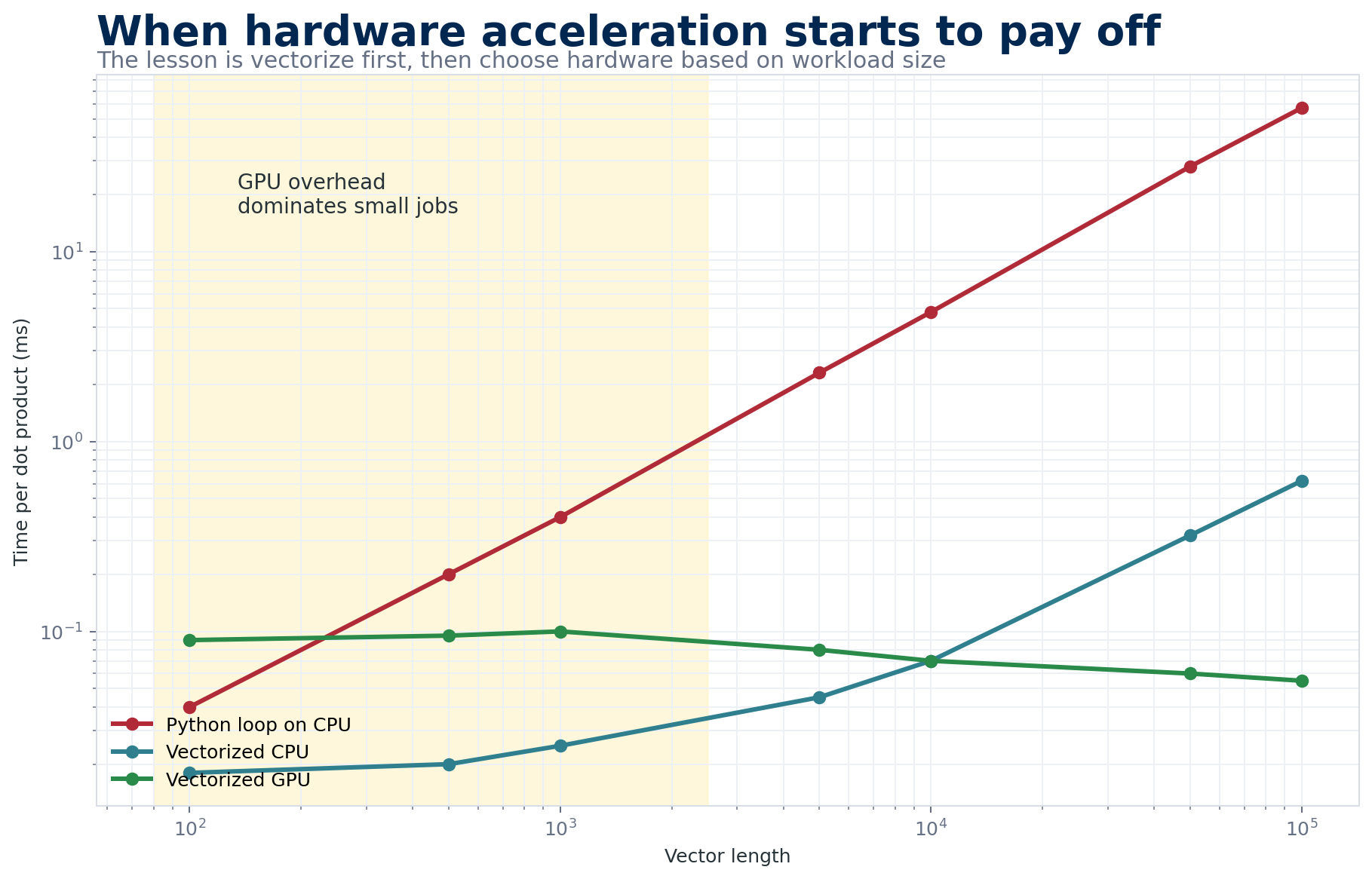 Compute, Docking, and Reflection
Connect PyTorch basics to GPU performance, docking intuition, and planning decisions for the capstone.
Compute, Docking, and Reflection
Connect PyTorch basics to GPU performance, docking intuition, and planning decisions for the capstone.
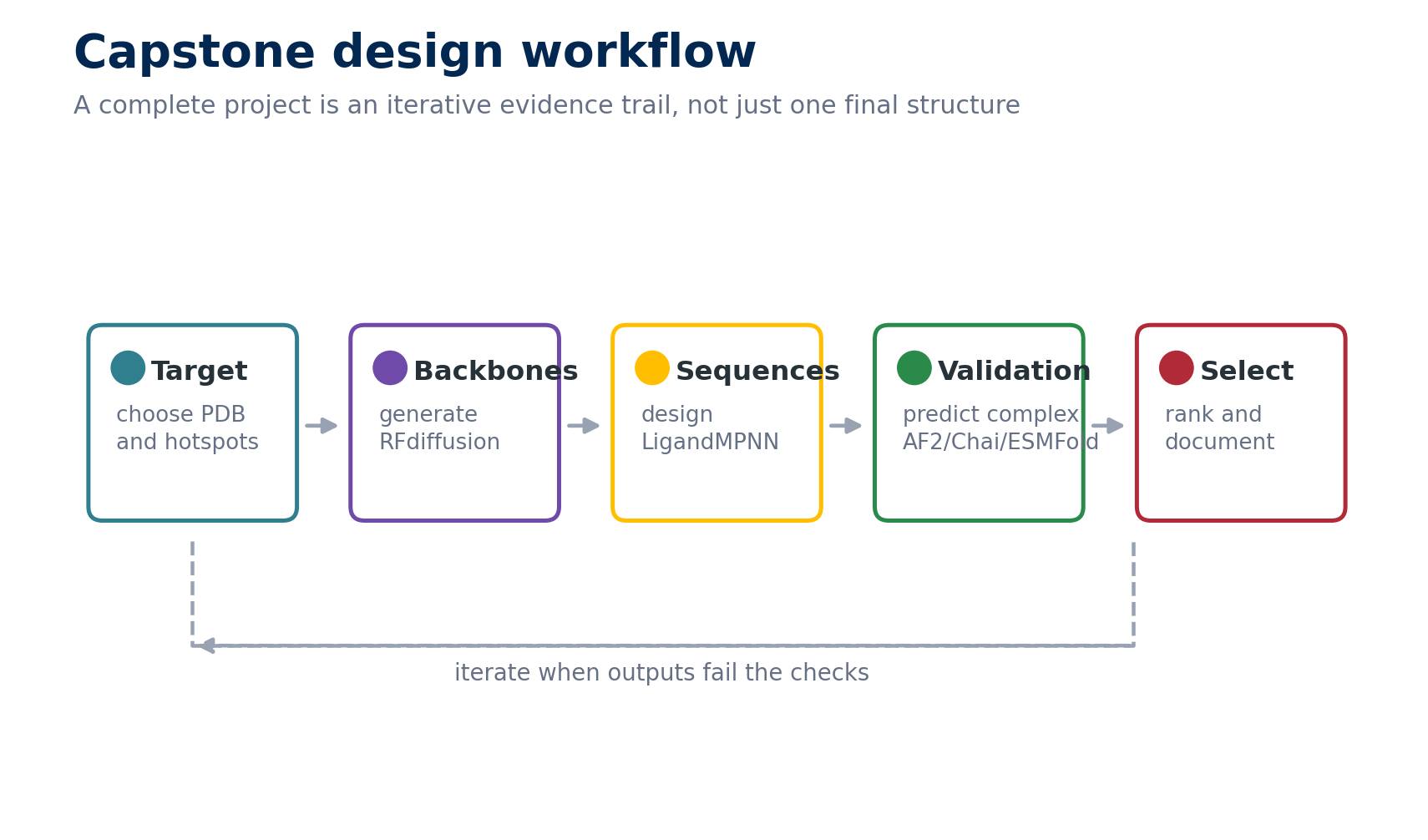
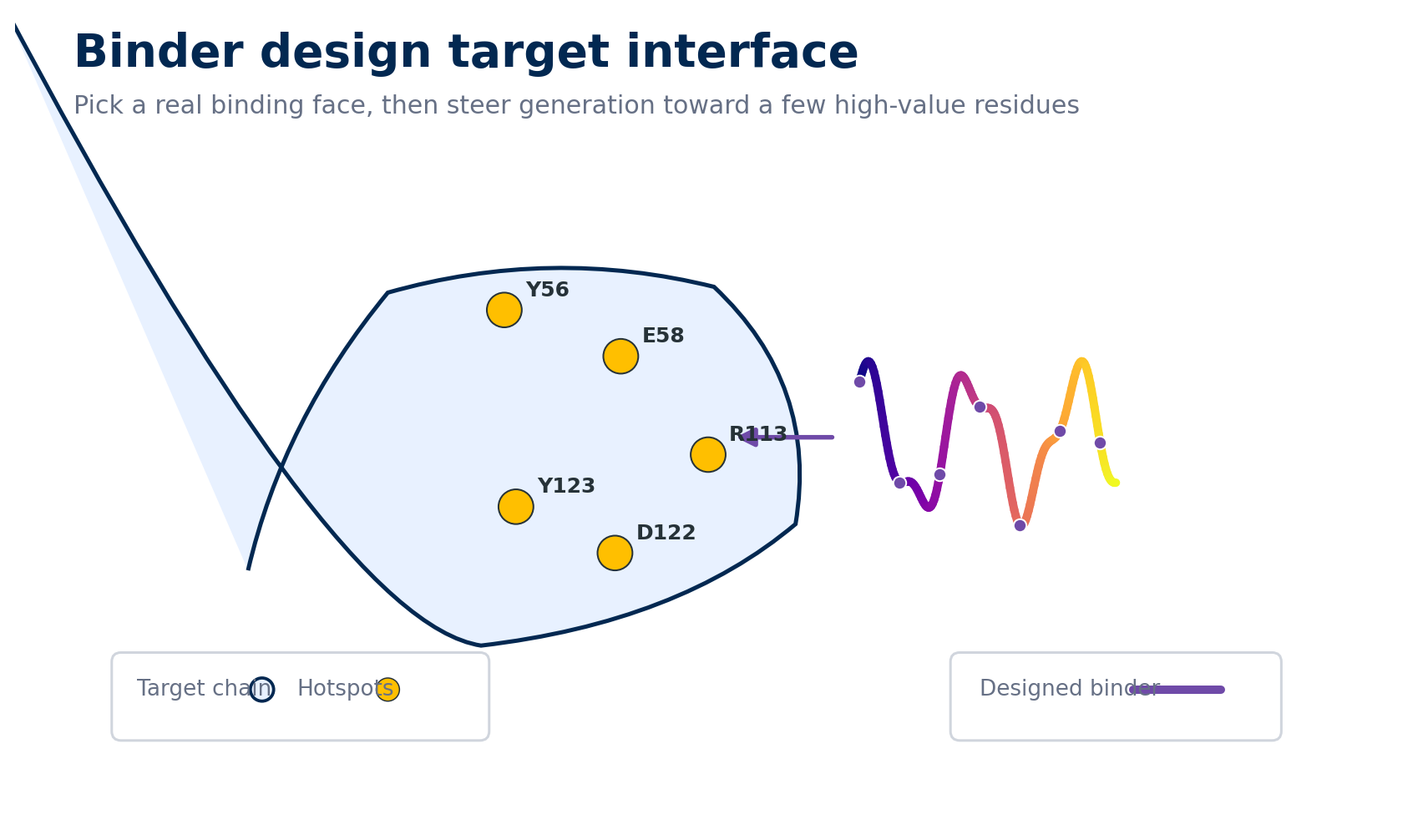 Protein Binder Design Project
Choose a target, define a binding face, generate binders, design sequences, validate structures, and document the rationale behind your choices.
Protein Binder Design Project
Choose a target, define a binding face, generate binders, design sequences, validate structures, and document the rationale behind your choices.
Getting Started
- Read Start Here and choose the core, full-bootcamp, or reference route.
- Create the evidence-portfolio folders and record your compute/account fallback.
- Start with Monday’s readiness checks unless your environment is already verified.
- Move through the historical days in order when possible; later activities assume earlier concepts even when they use a different tool.
- Check a progress item only after its named log, structure, figure, comparison, or decision memo exists.
- Return anytime and use the resume banner to pick up where you left off.